Display
The Display extension gives you access to display related information such as the display metrics (screen size and pixel density) and the safe areas.
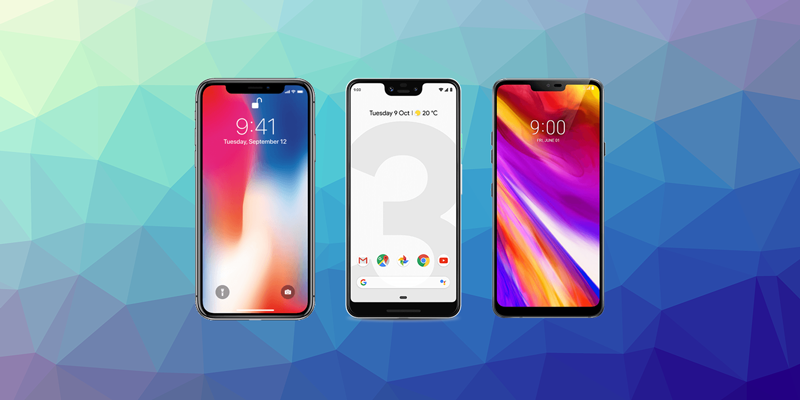
Safe areas are where your application UI can be accessed without system UI or device hardware interference. This can be an issue when your application renders behind the status and navigation bars or when there are hardware restrictions on the screen such as cutouts for cameras or curved display corners.
We provide complete guides to get you up and running quickly and easily.
Features
- Control the display mode of your application (immersive, fullscreen or normal)
- Access to the safe area insets on iOS devices
- Access to the window insets on Android devices
- Cutouts (notches) on Android devices
- Status and navigation bar style
- Single API interface - your code works across supported platforms with no modifications
- Sample project code and ASDocs reference
As with all our extensions you get access to a year of support and updates as we are continually improving and updating the extensions for OS updates and feature requests.
Documentation
The documentation site forms the best source of detailed documentation for the extension along with the asdocs.
Quick Example:
Display.instance.setDisplayMode( DisplayMode.NORMAL );
Display.instance.setStatusBarStyle( StatusBarStyle.LIGHT );
More information here:
License
You can purchase a license for using this extension: